
Most of Elder Kingdom happens while you’re not looking. Builds finish, hunters come home and, now and then, someone marches on your city. Alerts tell you when something needs you.
Turning alerts on

Your advisors pass the news on. Your phone only says that there is some.
Phone alerts are off until you say yes. Open Settings and then Notifications, tap Turn on, and your phone asks for permission. If you said no to your phone before, you’ll need to allow Elder Kingdom in your phone’s own settings instead.
Alerts are deliberately plain. A phone alert never shows a player’s, city’s or alliance’s name. It tells you what kind of thing happened, such as “Construction complete” or just “Your kingdom has an update.”, and the details are waiting in the game. Tap it and the game opens the screen that matters.
Choosing what you hear about

Incoming attacks are the one most lords keep on.
Under Tell me when you can switch each kind on or off:
| Kind | When it fires |
|---|---|
| Building finished | A building reaches its new level |
| Research finished | A study at the Academy completes |
| Training finished | New troops join your army |
| March arrived | Your troops reach their target |
| Hunt finished | A hunt brings back its spoils |
| Incoming attack | An enemy marches on your city |
| Battle news | A battle you’re in starts or ends |
| Private messages | A lord writes to you |
| Alliance | Wars, aid and alliance mail |
| Rewards | The daily gift, pass rewards and gift letters |
| Warnings | Food running low, loyalty, protection ending, scouts and lost holdings |
| Storage | A Storehouse is full and stops filling |
| Campaign | A new campaign step opens |
Storage and Campaign start switched off. Everything else starts on.
The Rewards alerts also remind you when the daily gift is waiting, and when the Weekly Pass is about to end with rewards you haven’t claimed.
Quiet hours

Quiet hours silence your phone. They don’t stop attacks.
Set a start and end time and your phone stays silent in between. The times are in UTC, like the game’s daily resets; the screen shows your local time next to the UTC time to help you pick.
Quiet hours only stop the buzzing. Everything still happens, and the alerts are waiting in the game when you look.
Attacks while you’re playing
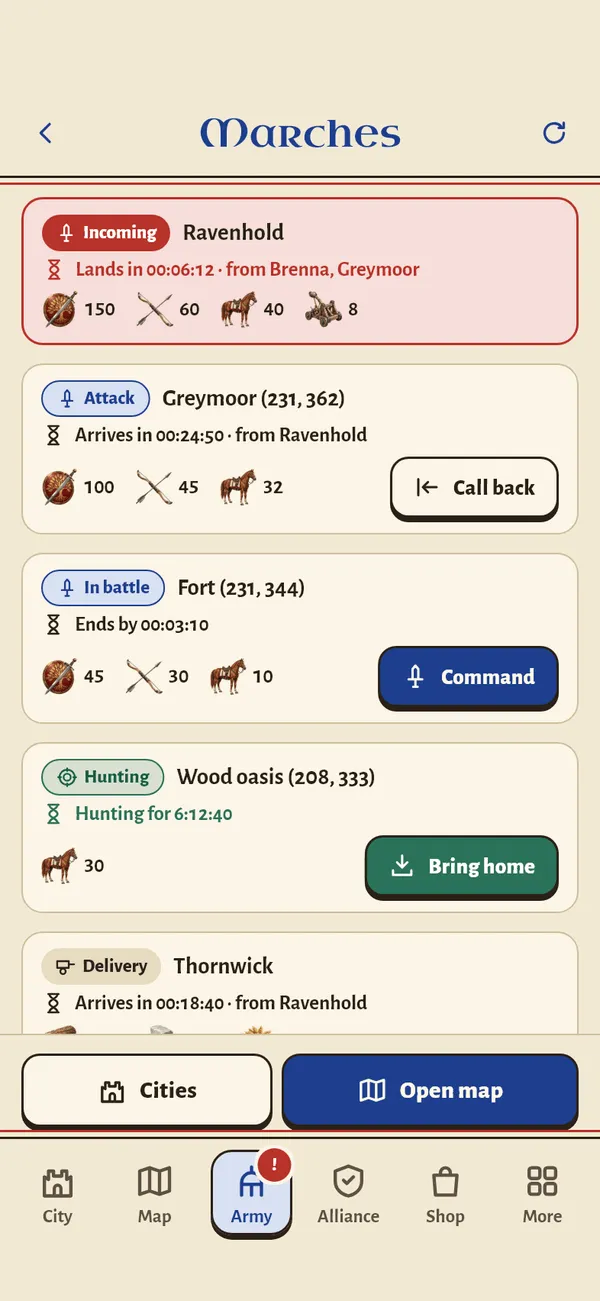
Every army heading your way is listed, with the time it lands.
When someone marches on one of your cities while you’re in the game, a banner drops in: Attack on your city, with a countdown until the troops arrive. Tap View to see the march, or dismiss it and get ready.
Your advisors speak up for the big moments. The Captain warns you when barbarians are on their way, and tells you who’s coming and when. The world map guide explains barbarian raids.
Keeping your mail tidy
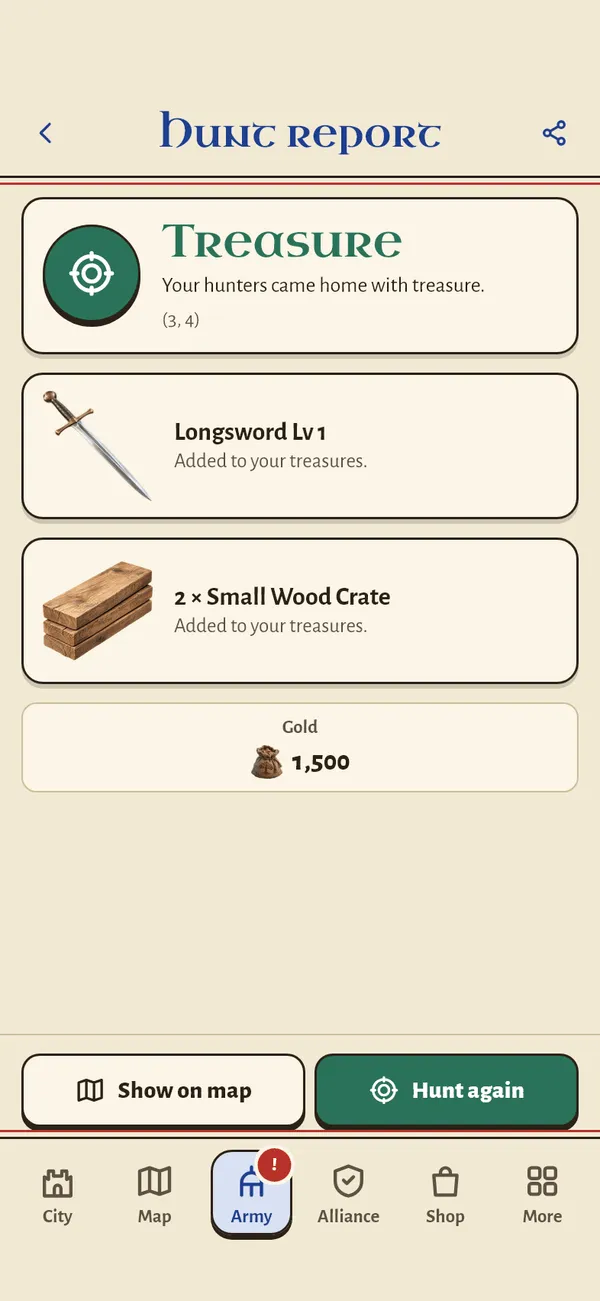
Hunt reports pile up fast if you hunt every day.
Hunt reports pile up. Switch on Tidy old notices and hunt reports, along with routine game notices, are deleted after seven days. Gift notices are kept, so nothing you’re owed disappears.
Alerts from another world
If you have kingdoms in more than one world, an alert can come from a world you’re not playing in right now. Tapping it asks whether to switch worlds or stay where you are. Your other city keeps running either way.